
SolidWorks Course
➲ Move from flat sketches to full 3D CAD models that you can actively assemble, test, and detail properly.
➲ Master parametric modelling, assemblies, and engineering drawings exactly the way a real product design team works.
➲ Progress from basic sketching through advanced part modelling, assembly modelling, and sheet metal and weldment design.
➲ Complete your design workflow by generating a full set of engineering drawings pulled straight from your 3D model.
➲ Learn to actually design functional parts in 3D, rather than just drawing basic shapes and hoping they fit together.
Course Details
Duration
1 month
Training Mode
Classroom + Software Labs
Location
ETI Thane & Pune
What You will Get?
Certification
Who Should Enroll
This course is built for mechanical, production, or automobile engineering students and diploma holders, as well as working professionals moving from 2D drafting into 3D CAD design. No prior SolidWorks experience is needed. If you’ve used any other CAD software before, that helps, but it’s not required — the course builds everything up from the basics of the interface and sketching tools.
If you have no prior CAD experience at all, our AutoCAD course is a good one-month foundation to complete before joining this programme.
Skills You’ll Master
You’ll learn parametric modelling from the ground up: building accurate part models using sketching tools and the feature manager, then combining parts into working assemblies with proper constraints. You’ll pick up sheet metal design and weldment design for real fabrication use cases, get comfortable with basic surface modelling, and learn to generate clean engineering drawings — complete with drawing views, a bill of materials, and dimensions — straight from your models instead of redrawing everything by hand.
Let's Learn, Innovate & Evolve with ETI
Detailed Curriculum
Introducation
The course builds in the order a real product design workflow actually moves through — sketch, model, assemble, document.
Module 1 — SolidWorks Interface and Sketching Fundamentals
- Getting familiar with the SolidWorks interface and feature manager
- Core sketching tools and sketch relations
- Basic parametric modelling principles
Module 2 — Part Modelling and Solid Modelling
- Building accurate part models using extrude, revolve, and sweep features
- Editing and managing features through the feature manager
- Applying design intent so models update correctly when changed
Module 3 — Assembly Modelling
- Building assemblies from individual part models
- Applying mates and constraints correctly
- Checking for interference and fit issues
Module 4 — Sheet Metal and Weldment Design
- Sheet metal design fundamentals: bends, flanges, and flat patterns
- Weldment design for structural and frame components
- Practical considerations for fabrication-ready models
Module 5 — Surface Modelling and Motion Study
- Introduction to surface modelling for complex shapes
- Basic motion study to check assembly movement
- Creating exploded views for assembly documentation
Module 6 — Engineering Drawings and Documentation
- Generating drawing views directly from 3D models
- Building a bill of materials (BOM) and adding dimensions correctly
- Using design tables and configurations for part families
- Capstone project: a complete product design package, from part models to final engineering drawings
Learning Methodology
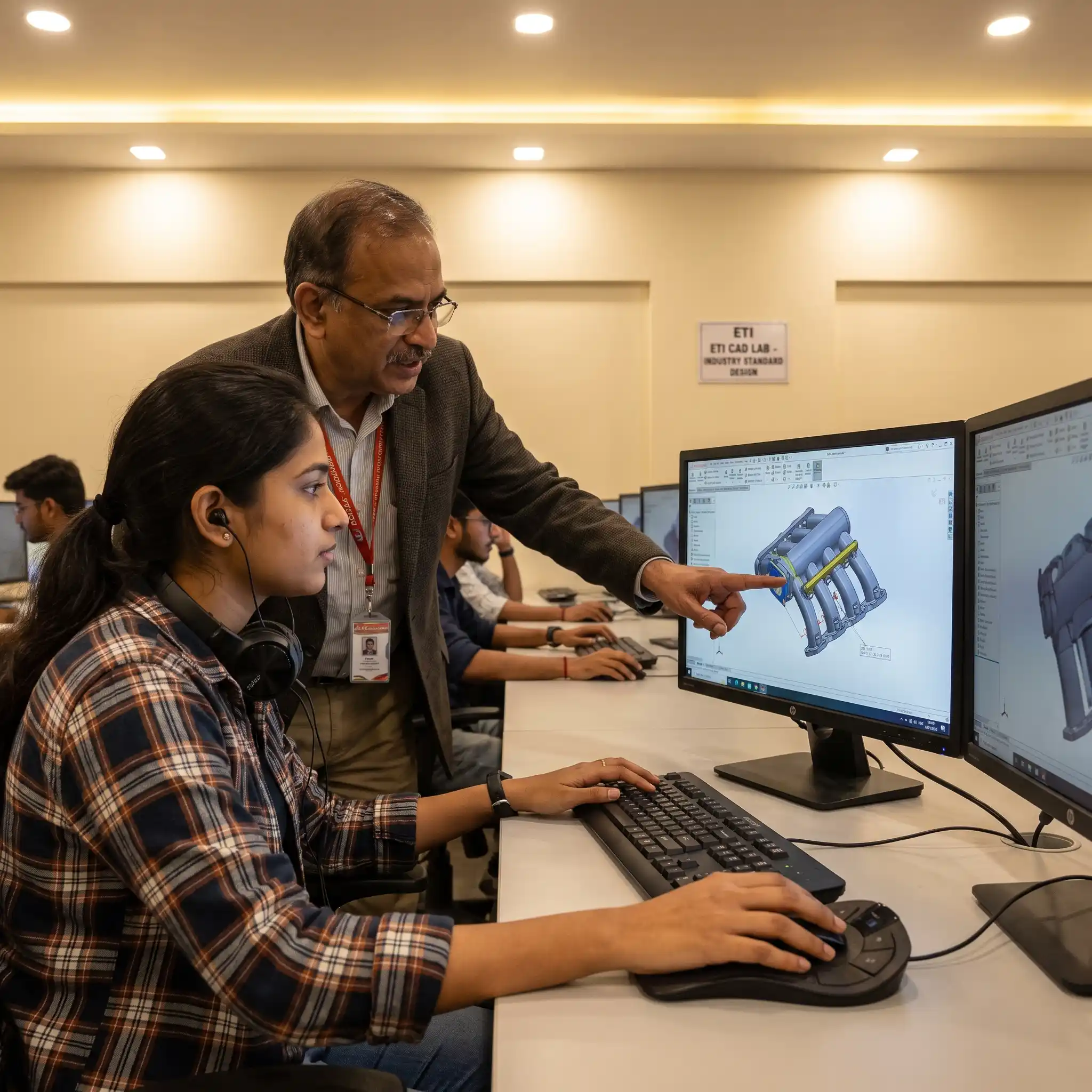
Immediate Application: Transition directly from learning a new modelling concept into the software to apply it instantly.
Active Execution: Build complex features yourself immediately rather than passively watching demonstrations.
Practical Labs: Execute your designs during dedicated software labs running every session on ETI’s workstations in Thane and Pune.
Live Reviews: Have your 3D models and engineering drawings actively checked and critiqued during class.
Industry Standard: Experience the exact same review process a design lead uses to evaluate a junior engineer’s work.
Course Outcomes
By the end, you can take a product idea from a rough sketch to a validated 3D assembly and a complete drawing package ready for manufacturing or review. That’s the real shift this course produces — from someone who can model a single part to someone who can handle mechanical product design as an actual workflow, from concept through documentation. Engineers who want to combine SolidWorks skills with piping design knowledge often pair this course with our PG Diploma in Piping and Mechanical Engineering, which covers equipment design, datasheets, and process plant layout.
Software Covered
This course is built entirely around SolidWorks, covering part modelling, assembly modelling, sheet metal design, weldment design, and an introduction to surface modelling for more complex geometry. You’ll also work with motion study for basic mechanism checks, exploded views for assembly documentation, and design tables and configurations for managing part variants efficiently. All labs run on ETI’s licensed workstations across Thane and Pune, so there’s nothing to install or license yourself.
Hands-on Projects & Portfolio
Partway through the course, you’ll take a simple mechanical assembly and build it out fully — individual part models, an assembled unit, and a set of engineering drawings. Your capstone goes further: a complete product design project covering part modelling, assembly, an exploded view, and a full drawing package with BOM, checked against the same design validation standards used on an actual project.
Industries Hiring Piping Designers
Secure roles in top design sectors that demand professionals who can handle the complete CAD workflow—from initial part modelling to final engineering documentation.
Mechanical Manufacturing: Engineer precise 3D parts and comprehensive assemblies for large-scale production and manufacturing floors.
Automotive Component Design: Model, assemble, and test intricate mechanical components required for modern automotive engineering.
Consumer Product Design: Transform flat conceptual sketches into highly detailed, functional, and market-ready 3D consumer products.
Industrial Equipment Manufacturing: Design heavy-duty machinery, complex sheet metal enclosures, and weldment structures for global industrial use.
Product Development Consultancies: Deliver complete 3D models and client-ready engineering drawings for high-end product design projects.
Full-Workflow Design Roles: Secure specialized CAD drafting roles that demand mastery of the entire assembly and documentation process, not just isolated part modelling.
Career Growth Roadmap
Entry Level (0–2 Years)
Role: CAD Trainee
Salary: ₹2.0L–₹3L p.a.
Career Progression (2–5 Years)
Role: Junior Design Engineer
Salary: ₹3L–₹5L p.a.
Leadership Stage (5–8 Years)
Role: Design Engineer
Salary: ₹5L–₹9L p.a.
Advanced Career Path (8+ Years)
Role: Lead Design Engineer
Salary: ₹9L–₹13L p.a.
Certification Details
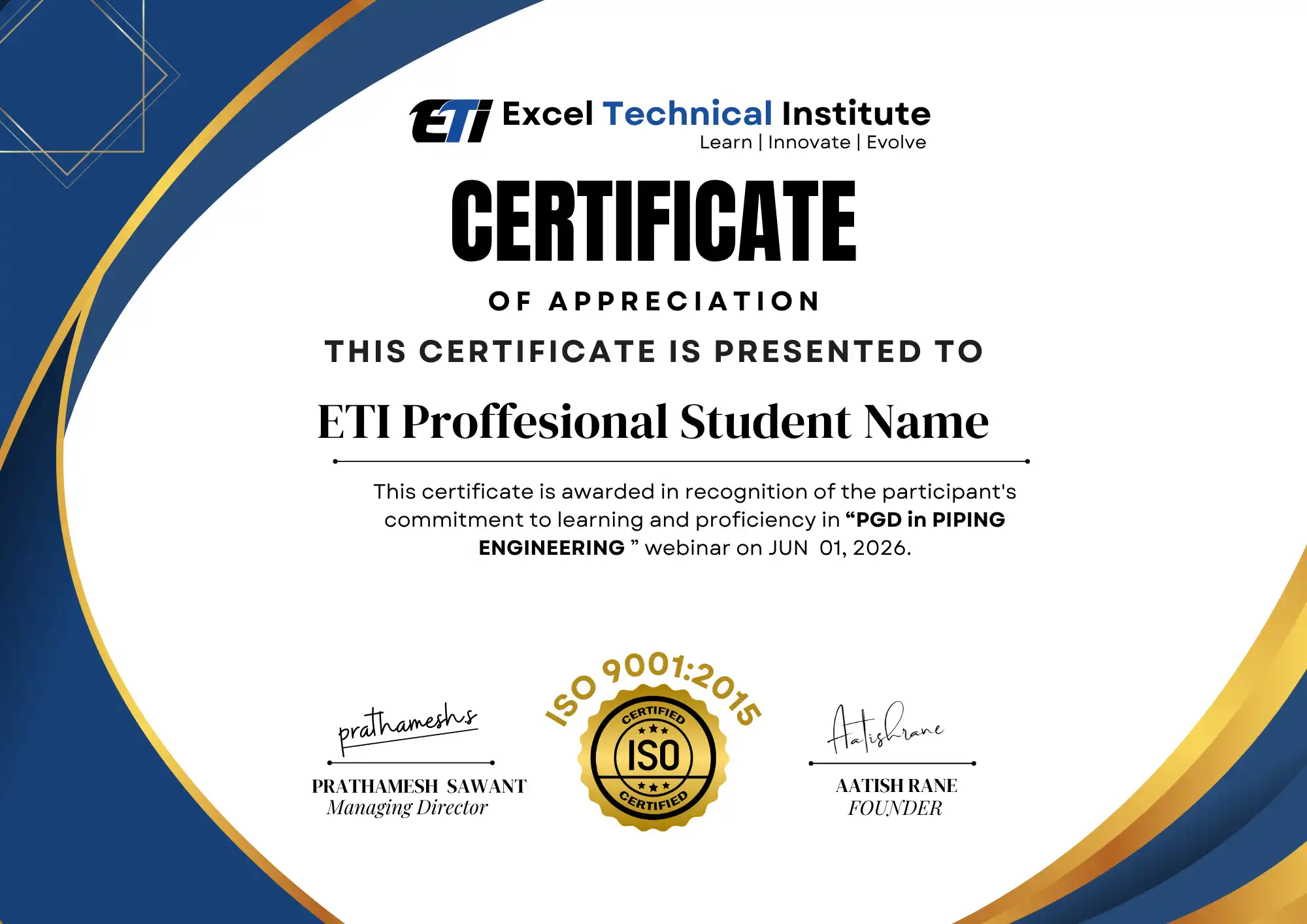
You’ll receive the ETI course completion certificate for the SolidWorks Course, listing the modules covered and the software skills developed during training. Alongside the certificate, your capstone product design package — part models, assembly, and full drawing set — is what actually demonstrates your modelling ability in an interview or portfolio review.
Frequently Asked Questions
Do I need prior CAD experience to join this SolidWorks course?
No, prior CAD experience isn’t required. The course starts from the SolidWorks interface and basic sketching tools and builds up gradually. If you’ve used another CAD package before, it helps you move faster, but it’s not a prerequisite for enrolling.
Will I learn sheet metal and weldment design in this course?
Yes, both are covered as dedicated modules. You’ll learn sheet metal design for bends, flanges, and flat patterns, and weldment design for structural and frame components, alongside the core part and assembly modelling skills.
How is this different from a general 3D CAD design course?
This course is built specifically around SolidWorks, covering its particular workflow, feature manager, and tools in depth, rather than general 3D concepts. You’ll finish comfortably in the actual software most mechanical design teams use day to day.
Do you run this course in both Thane and Pune?
Yes, both centres run the same curriculum on the same licensed SolidWorks software. Choose whichever centre is more convenient — there’s no difference in what you’ll learn at either location.
What will my portfolio look like after this course?
You’ll finish with a complete product design package from your capstone project — part models, an assembled unit, an exploded view, and a full set of engineering drawings with a bill of materials, ready to show in an interview.
Ready to Start?
Seats for the next SolidWorks Course batch are open now at our Thane and Pune centres.
📲 WhatsApp us to check your eligibility
📄 Download the brochure for the full syllabus and fees
📞 Book a free demo class before you commit
🗓 Talk to a course advisor about your background and fit