
SmartPlant 3D Course
➲ Learn advanced, rule-based plant design in SP3D where equipment, piping, and structures follow project specifications automatically.
➲ Set the rules and specifications to let the intelligent model route piping, flag clashes, and update drawings on its own.
➲ Generate highly accurate isometrics straight from your 3D model instead of wasting time redrawing them separately by hand.
➲ Develop intelligent 3D plant models using the exact software large EPC contractors and engineering consultancies rely on.
➲ Build, route, and document a complete plant model exactly the way a professional project team expects, rather than just clicking through a basic tutorial.
Course Details
Duration
1 month
Training Mode
Classroom + Software Labs
Location
ETI Thane & Pune
What You will Get?
Certification
Who Should Enroll
This course is built for engineers who’ve already completed foundational piping or plant design training — whether that’s a piping engineering course, a mechanical and piping diploma, or equivalent project experience — and now want to specialise in SmartPlant 3D specifically. It also suits working professionals moving from AutoCAD Plant 3D or similar tools into SP3D for larger EPC project work. Basic piping and plant design knowledge is assumed; SP3D itself is taught from scratch.
Engineers coming from a mechanical equipment and piping background will find our PG Diploma in Piping and Mechanical Engineering provides the ideal preparation before joining this course.
Skills You’ll Master
You’ll learn to build parametric equipment modeling and structural modeling within a shared plant model, and to route piping using specification-driven routing, so the software applies the correct piping specification automatically as you draw. You’ll run clash detection and interference checking before a design ever reaches a formal review, manage the equipment catalog and reference data that the whole model depends on, and generate isometric and orthographic drawings directly from the 3D model instead of drafting them separately.
Let's Learn, Innovate & Evolve with ETI
Detailed Curriculum
Introducation
The course follows the order a plant model actually gets built in on a live project — structure and equipment first, piping and documentation last.
Module 1 — SmartPlant 3D Fundamentals and Rule-Based Plant Design
- Introduction to rule-based plant design and how SP3D differs from traditional 3D modelling
- Navigating the SP3D environment and project setup
- Understanding Smart 3D Catalog Management and reference data structure
Module 2 — Equipment Modeling
- Placing and configuring equipment using parametric equipment modeling
- Working with the equipment catalog
- Positioning equipment correctly within the plant layout
Module 3 — Structural Modeling
- Building structural steel and platform models
- Coordinating structural modeling with equipment and piping
- Managing structural clashes early in the design
Module 4 — Piping Modeling and Specification-Driven Routing
- Piping specifications and how SP3D applies them automatically during routing
- Routing pipe through equipment and structure
- Placing pipe supports correctly within the model
Module 5 — Clash Detection and Design Review
- Running clash detection and interference checking across disciplines
- Preparing a model for a formal design review
- Design validation checks before issuing drawings
Module 6 — Engineering Documentation and Drawing Extraction
- Generating isometric drawings directly from the model
- Producing orthographic drawings for plant layout and equipment arrangement
- Capstone project: a complete plant design package — equipment, piping, structure, and issued engineering drawings — for a small process unit
Learning Methodology
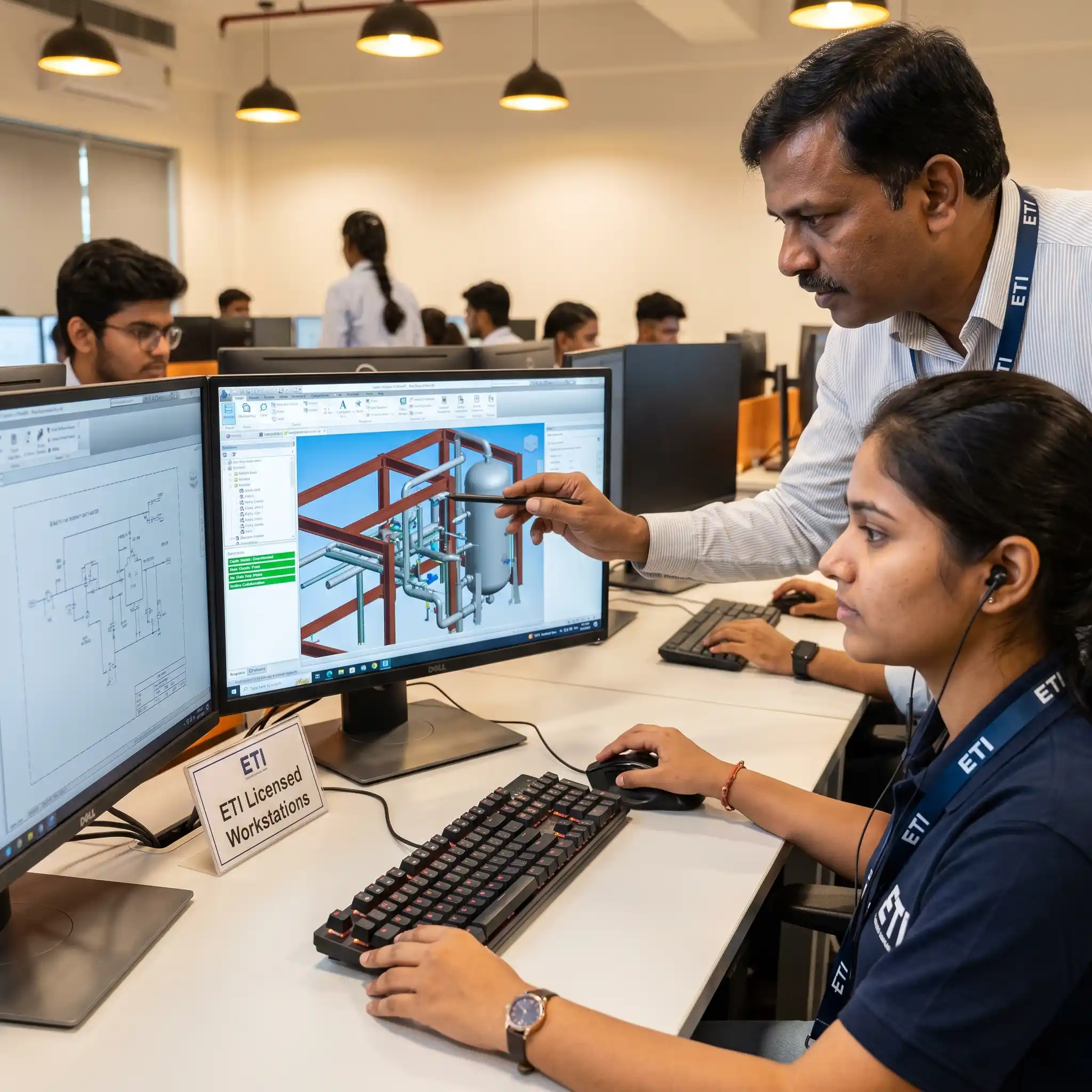
Immediate Application: Apply new modelling concepts directly into the SP3D environment immediately after they are introduced.
Rule-Based Design: Understand exactly how rule-based plant design fundamentally changes model coordination, rather than just memorizing interface buttons.
Dedicated Labs: Execute your workflows during practical software labs running every single session on ETI’s licensed workstations in Thane and Pune.
Active Collaboration: Master complex engineering collaboration exercises by actively managing and updating a shared 3D model.
Live Project Simulation: Coordinate piping, structural, and equipment designs exactly the way disciplines work together on a live EPC project.
Course Outcomes
Graduates are able to build and manage a working plant model in SmartPlant 3D — equipment placed, piping routed to specification, structures modelled, and a full set of engineering drawings extracted and ready for review. That’s the specific capability that separates someone who’s seen SP3D in a demo from someone a plant design team can actually assign a model to.
Software Covered
This course is built entirely around SmartPlant 3D (SP3D), covering equipment modeling, piping modeling, structural modeling, catalog management, and reference data management. You’ll work directly with the tools used for clash detection, engineering drawing extraction , and design review inside the software, rather than relying on external plugins. All labs run on ETI’s licensed SmartPlant 3D workstations in Thane and Pune.
Hands-on Projects & Portfolio
Partway through the course, you’ll build out a section of a process unit — equipment placement, structural steel, and piping routed to specification — and run clash detection against it. Your capstone extends this into a complete plant model with a full documentation package: isometrics, orthographic drawings, and a clash-checked, review-ready model, mirroring what a plant design engineer would hand off at the end of a modelling phase.
Industries Hiring Piping Designers
Secure elite plant design roles across global industries that require advanced mastery of intelligent, rule-based SP3D workflows.
Oil & Gas Sector: Execute large-scale, rule-based plant design for massive upstream and downstream facility layouts.
Petrochemical Projects: Develop automated, specification-driven 3D models for high-complexity chemical processing plants.
Power Generation Facilities: Route and manage complex utility, piping, and equipment layouts for large-scale power plants.
Large-Scale Industrial Design: Coordinate multidisciplinary components within intelligent 3D models for massive manufacturing facilities.
Top-Tier EPC Contractors: Deploy data-driven automation workflows on major global infrastructure projects using SP3D.
Engineering Consultancies: Deliver highly optimized, clash-free plant design deliverables for global engineering consultants.
Career Growth Roadmap
Entry Level (0–2 Years)
Role: SP3D Modeler
Salary: ₹2.0L–₹3L p.a.
Career Progression (2–5 Years)
Role: Plant Design Engineer
Salary: ₹5L–₹8L p.a.
Leadership Stage (5–8 Years)
Role: Senior Plant Design Engineer
Salary: ₹9L–₹13L p.a.
Advanced Career Path (8+ Years)
Role: Lead Plant Design Engineer
Salary: ₹15L–₹20L p.a.
Certification Details
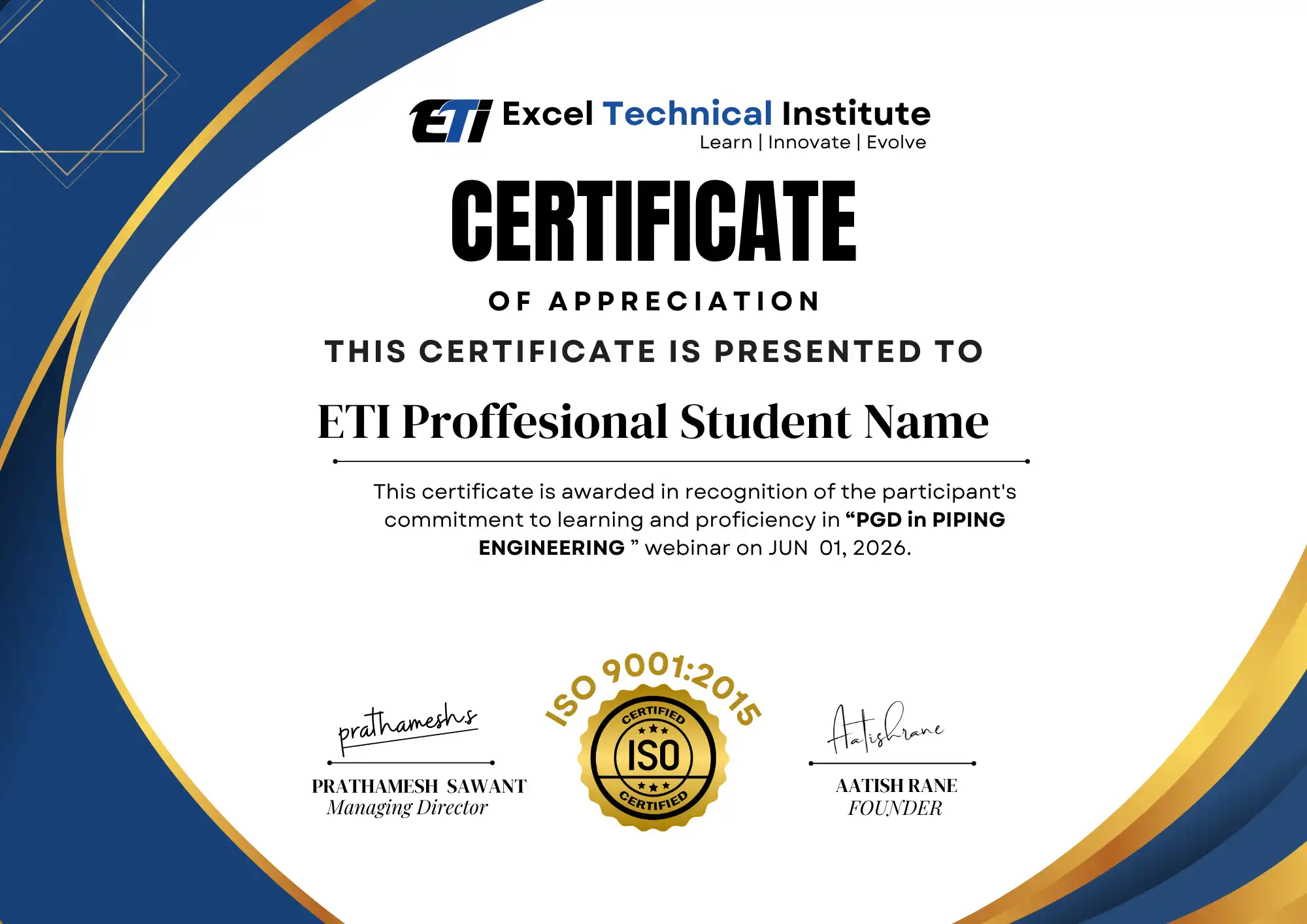
On completion, you receive the ETI course completion certificate for the SmartPlant 3D Course, listing the modules covered and the specific SP3D skills developed — equipment modeling, piping modeling, structural modeling, and equipment modeling, piping modeling, structural modeling, engineering drawing extraction, and project documentation. Alongside the certificate, your capstone plant model and documentation package is what actually demonstrates your SP3D capability to an employer running real plant design projects.
Frequently Asked Questions
Do I need prior piping or plant design experience before joining this course?
Yes, this is an advanced, specialization-level course. You should already understand piping fundamentals or plant design basics from a prior course or project experience. SP3D itself is taught from scratch, but the underlying piping and plant design concepts are assumed going in.
How is SmartPlant 3D different from AutoCAD Plant 3D?
SP3D is rule-based and specification-driven, used on large EPC projects where piping follows specifications automatically. AutoCAD Plant 3D suits smaller, more manual workflows. If you’re building your CAD foundation first, our AutoCAD course covers the 2D drafting workflow before you step into SP3D.
Will this course cover clash detection and design review in depth?
Yes, an entire module is dedicated to clash detection, interference checking, and preparing a model for formal design review, since catching these issues early is one of the main reasons EPC projects use SP3D over manual modelling tools.
Do you run this course in both Thane and Pune?
Yes, both centres run the same curriculum on the same licensed SmartPlant 3D software. Choose whichever centre is more convenient — there’s no difference in what’s covered at either location.
What will my portfolio include after finishing this course?
You’ll finish with a complete plant model from your capstone project — equipment, structure, and piping routed to specification — along with a full set of isometric and orthographic drawings extracted from the model, ready to show in an interview.
Ready to Start?
Seats for the next SmartPlant 3D Course batch are open now at our Thane and Pune centres.
📲 WhatsApp us to check your eligibility
📄 Download the brochure for the full syllabus and fees
📞 Book a free demo class before you commit
🗓 Talk to a course advisor about your background and fit